
Tile
Tiles display content previews with a styled pattern background and prominent image area. Use them for integrations, templates, or visual galleries.
Tiles display image-first previews with patterned backgrounds. Use them instead of Cards when a screenshot or logo matters more than text: integration pages, template galleries, and image-heavy pages.
Use Tiles when:
- Visual previews are more important than text descriptions
- Presenting integrations with logos or screenshots
- Building galleries of templates, themes, or examples
- Displaying screenshots with titles and optional descriptions
Usage
<Tile href="/components/tabs" title="Tabs Component">
  <img src="/_jd/images/tabs-preview.webp?v=mtw5936s" alt="Tabs" />
</Tile>
Basic Tile
A simple tile with a preview image and title:
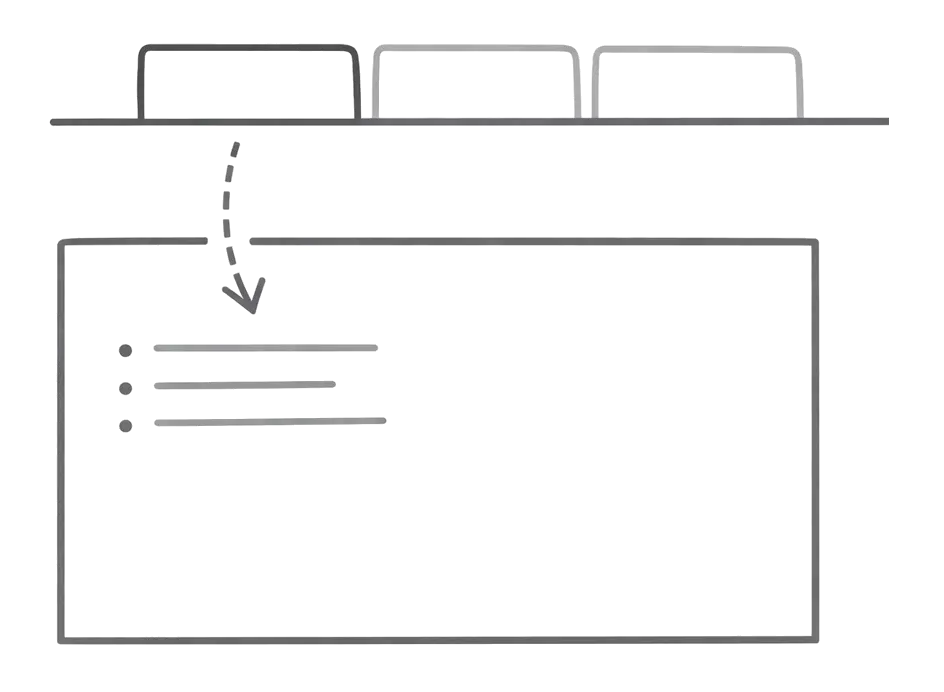
<Tile href="/components/tabs" title="Tabs Component">
  <img src="/_jd/images/tabs-preview.webp?v=mtw5936s" alt="Tabs" />
</Tile>
Tile with Description
Add a description for more context:
<Tile
  href="/components/tabs"
  title="Tabs Component"
  description="Organize content into switchable tabbed sections"
>
  <img src="/_jd/images/tabs-preview.webp?v=mtw5936s" alt="Tabs" />
</Tile>
Tile vs Card
| Feature | Tile | Card |
|---|---|---|
| Visual emphasis | Image-first with patterned background | Icon + title + description |
| Best for | Integrations, templates, galleries | Navigation, feature lists, CTAs |
| Image handling | Large preview area | Small icon |
| Text content | Title + optional description | Title + description + icon |
Rule of thumb: If you have a screenshot or logo to show, use Tile. If the content is primarily text-based, use Card.
Grid Layout
Use Columns to display multiple Tiles in a grid:
Dark Mode Images
Use Tailwind classes to show different images in light and dark modes:
<Tile href="/customization/theming" title="Theming">
  <img src="/_jd/images/logo-light.webp?v=mtw5936s" alt="Theme" className="dark:hidden" data-no-style="true" />
  <img src="/_jd/images/logo-dark.webp?v=mtw5936s" alt="Theme" className="hidden dark:block" data-no-style="true" />
</Tile>
The noStyle attribute prevents default image styling so the dark mode classes work correctly.
Props
The URL the tile links to. Supports both internal paths (/docs/intro) and external URLs (https://example.com). External links open in a new tab.
Title text displayed below the preview area.
Optional description text below the title.
Content to display in the preview area. Typically images or SVGs.